100 workflows. One place to start.
Give your AI employee its first real job.
The follow-ups, the meeting prep, the reports. Find one piece of recurring work to hand over, with 100 practical workflows for your business.
A free guide from ExtraSeat
A useful next step,
in your inbox.
We’ll email you a link to download the PDF.
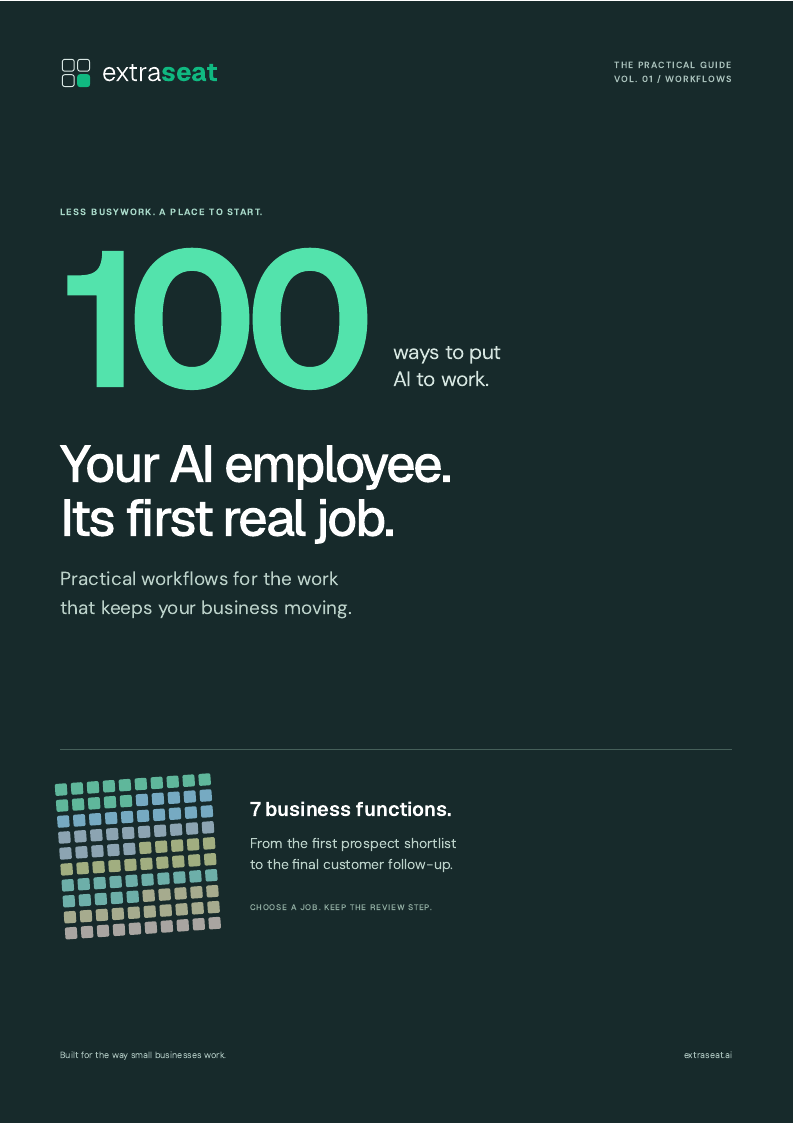
- 100 practical workflows
- 7 business functions
- Inputs + review steps
Yours to save.
Ready when you are.
What’s inside
Less wondering what AI can do. More knowing where to start.
A useful workflow has a clear job, the right inputs, and someone checking the result. Every entry in this guide gives you all three, so you can choose a task that fits the way your team actually works.
Sales & marketing
Prospect research, meeting briefs, follow-up drafts, and content repurposing.
Operations & admin
Status updates, vendor follow-ups, inbox triage, and the work between meetings.
Data & fulfillment
Data checks, recurring reports, order handoffs, and delivery readiness.
Customer service
Ticket summaries, reply drafts, escalation briefs, and customer check-ins.
A little of what you’ll find
Sales meeting preparation
Build a brief covering the account, attendees, previous conversations, and open questions.
- Start with
- An upcoming meeting and approved CRM notes.
- Human review
- Check facts, names, and commitments before the meeting.
Before you get started.
Who is this guide for?
Business owners and teams looking for practical places to use an AI assistant. You do not need to know how to code to choose your first workflow.
Are these ready-made automations?
These are workflow ideas with starting inputs and review steps. What you can run depends on your tools, integrations, permissions, and setup.
How do I get the PDF?
Enter your email and we will send a download link. The guide is free, and requesting it does not subscribe you to marketing emails.
Your next step
Start with one job. Keep the review step.
Pick a recurring task, try it with a small sample, and decide what a good result looks like. The guide includes a brief to help you make that first workflow concrete.