From a spare Mac to a working assistant.
Put that Mac Mini to work.
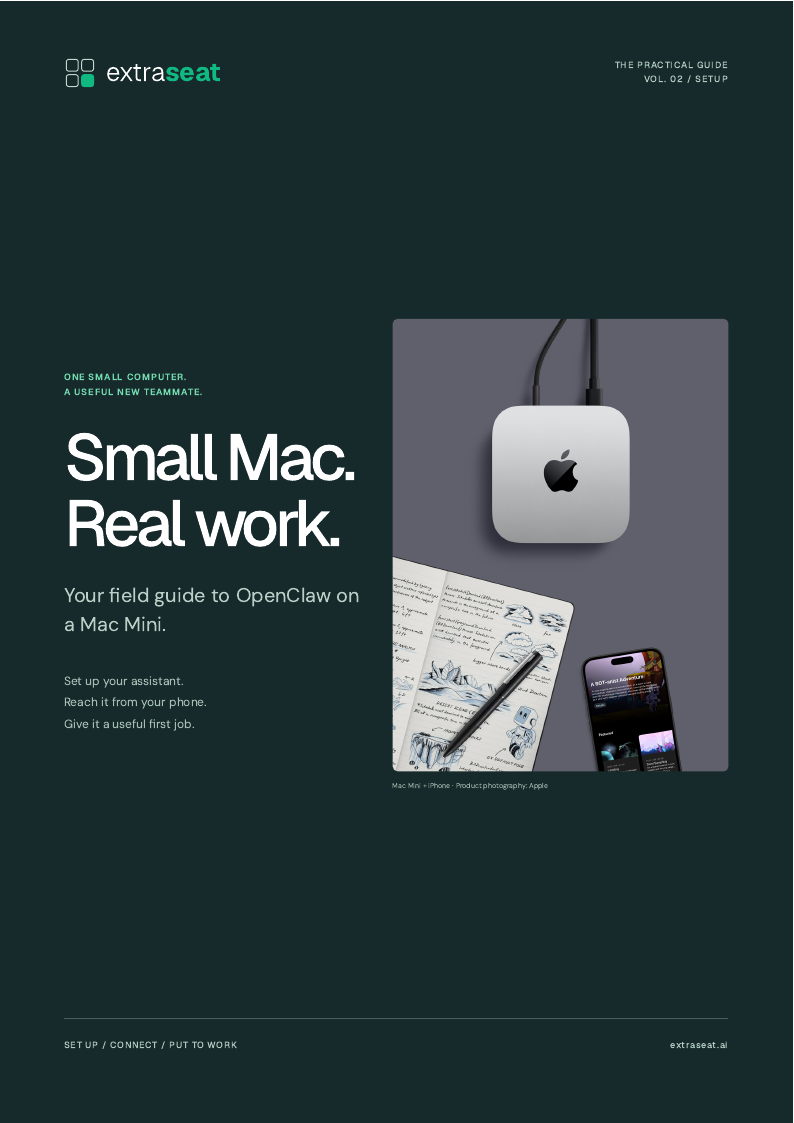
Set up an AI assistant you can reach from your phone. A practical guide to OpenClaw, Telegram, and a first workflow that earns its place in your day.
A free guide from ExtraSeat
A useful next step,
in your inbox.
We’ll email you a link to download the PDF.
- Step-by-step setup
- Copyable commands
- Headless setup checklist
Yours to save.
Ready when you are.
What’s inside
The first reply is only the beginning.
A setup is useful when it stays available. This guide takes you through installation, a working phone connection, and the checks that matter before you put the Mac on a shelf.
Prepare the Mac
Separate accounts, power settings, remote access, and a setup session you can reconnect to.
Get a real response
Install OpenClaw, connect a model, and prove the assistant can answer before adding tools.
Reach it from your phone
Create a Telegram bot, pair your account, and test a conversation away from the dashboard.
Make it stay useful
Install the background service, test a reboot, and schedule a first briefing.
A little of what you’ll find
Prove the setup before it goes headless
Restart the Mini, then message your assistant from Telegram. A setup that works only while Terminal is open is not finished.
- Start with
- A working dashboard, paired Telegram account, and installed background service.
- Human review
- Confirm the assistant returns after login and that your recovery access works.
Before you get started.
What do I need before starting?
A Mac Mini with internet, a keyboard and display for initial setup, an administrator account, an AI provider account, and Telegram. The guide explains what each piece does.
Do I need to be a developer?
No, but you should be comfortable copying commands into Terminal and reading the results. The guide includes the commands and checks for each stage.
Does it run automatically after a restart?
The guide covers the background service and the login requirement. It explains the tradeoff between unattended login and keeping FileVault and manual login.
How do I get the PDF?
Enter your email and we will send a download link. The guide is free, and requesting it does not subscribe you to marketing emails.
Your next step
One Mac. One assistant. One useful first job.
Get the foundation working, then give it a small, repeatable task. The guide includes a briefing you can test before scheduling it.